GTR vs. 70's TCL: 4h of Mexico 1967
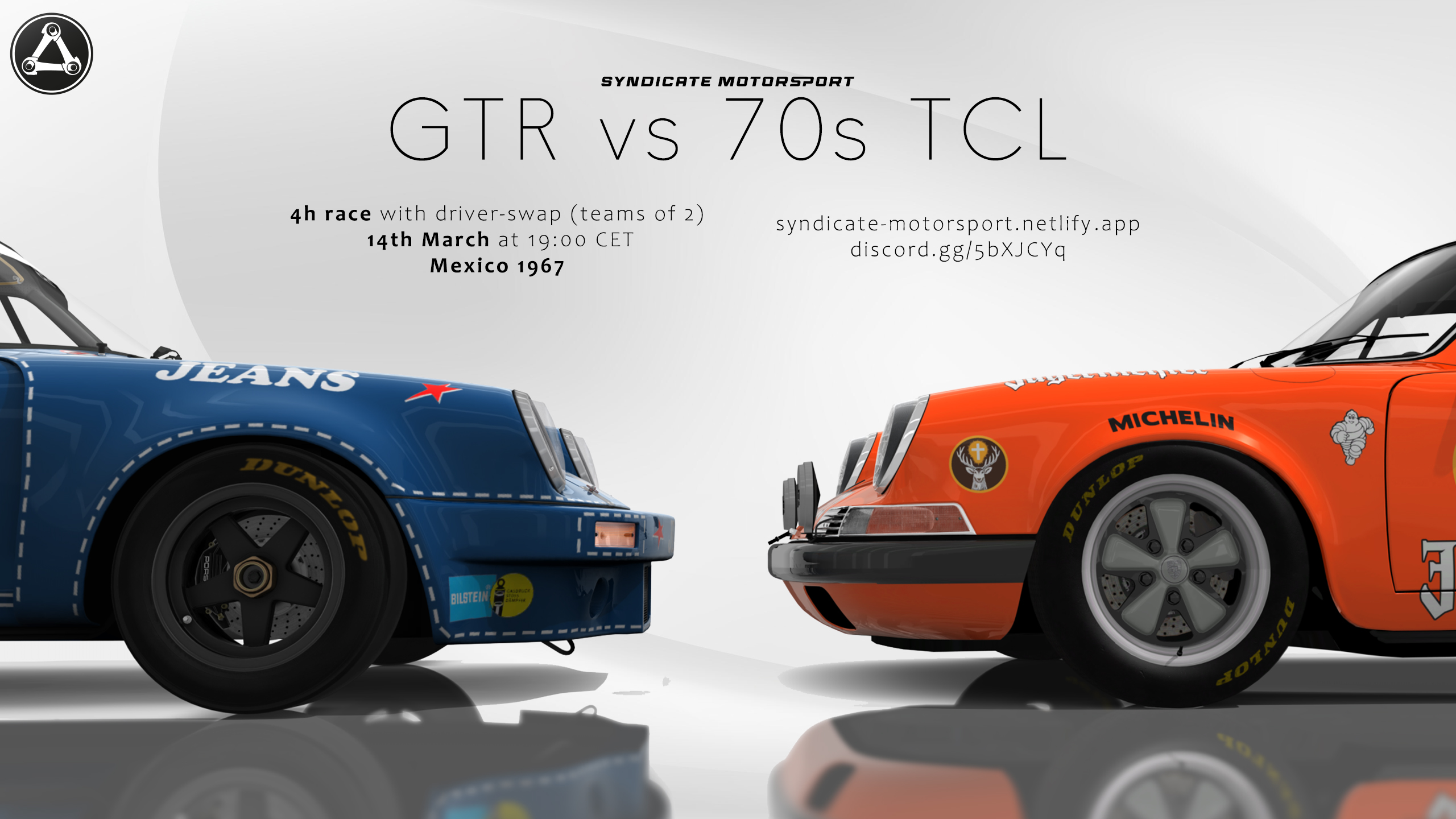
Syndicate Motorsport presents our special 4h race at the 1967-version Autódromo Hermanos Rodríguez
Rules and Regulation
Please make sure to read our rulebook to get accustomed to how we expect the drivers to behave in our races. We strongly recommend to read this as we do not accept any kind of "I did not read it"-excuses in any case.
Mandatory downloads
⚠️ MANDATORY
These apps, cars and tracks are mandatory and MUST be downloaded. Failure to have everything installed will result into an instant kick from the server when attempting to join.
Apps
- Custom Shader Patch (CSP) version 0.2.11 or newer
- Real Penalty (manual installation required: necessary for Driver Swap & Penalty handling)
Cars
- 70s TCL: https://thracing.de/touring-car-legends/
- ACL GTR: https://thracing.de/ac-legends-gt-classics-by-bazza/
Circuit
Optional but recommended apps
Car skinpack
Download
While optional we highly recommend download the custom liveries the community created for this event. This is the first event we are running a custom bot to make downloading and updating liveries as easy as possible so if there are any problems please reach out to Akashic on Discord.
⚠️ Note:
Please do not download the zip-file too often, at best once before each event. Bandwith is limited and too many downloads can create problems.
How to add your own livery
1: After creating a new livery you need to export it. For that go in Content Manager to the skin-tab of the car you made the livery for. Hold Ctrl and select the livery you want to export by clicking on it. In the bottom left click "Pack: 1 car" then.
2: Rename the created zip as following:
3: Navigate to vacbot-skin-upload-channel and post the zip in there with no message attached. The bot will tell you if you did a good job or if something is wrong. The livery is now uploaded and will be available one minute later via download.
4: For the simplest install you have two options: Navigate in your browser to acmanager://install?url=https://vac.davidmoll.net/merged_cars.zip and when your browser asks you to open the link in Content Manager click yes. In Content Manager install the skins as per usual. Or even easier, copy the link and paste it with ctrl+v in Content Manager and install as usual. If you do not use Content Manager you can manually download the zip from https://vac.davidmoll.net/merged_cars.zip
The bot does not accept any other way of sharing the livery. Please do not upload the zip-file anywhere and paste the link as this will not work.
This is so far a beta and we are still working on smoothing out some things. Your livery or the ones of others will not instantly be available on the server, please do not worry about that. This part we have to do manually so wait some time for us to assign the liveries. If you want to update your livery just name it exactly the same and upload it to the bot again, it will automatically overwrite the old files
Control Patch settings
Required:
Hazard lights: Every car is equipped with hazard lights. If you crash and damage your suspension but can still slowly make it back to the pits, you are required to switch on your hazards. This alerts drivers behind you that your car is compromised and moving at a reduced pace.
High/low beam toggle: You need to be able to switch between high and low beams, as this greatly affects visibility during night driving. In most cases, CSP already enables “Use high beams mode by default” under Settings → CSP → Car Instruments → Input Options. Having this control mapped to a keyboard key is sufficient, since you’ll rarely need to toggle it—if ever.
Strongly recommended (but optional, depending on available buttons/keys):
Left & right turn signals: All cars have functional indicators, at least until lower level-of-detail models are used for distant vehicles. Please bind these controls so you can indicate which side of the track you’re staying on when being lapped.
Tip 1: The Blinker Sound App (linked above) provides an audible cue when your indicator is active.
Tip 2: The Dashboard Indicators App (also linked above) visually shows which indicator is on, useful for cars without built-in dashboard indicator lights.
Real Penalty Setup
Real Penalty is included in the mandatory downloads listed at the top and must be installed and enabled. It is required for driver swaps and verifies that the app is running on your client. If Real Penalty is missing—or if you are not using CSP v0.2.11 or newer—the server will automatically remove you.
To ensure a proper installation, Real Penalty must be installed manually. Do not install it through Content Manager.
Once the app is installed, activate it in Content Manager by going to Settings → Assetto Corsa → Python Apps and enabling Real Penalty. After that, start an Assetto Corsa session and open the in-game Real Penalty Settings app to arrange its interface elements on your screen as desired.
Performance Optimization
With over 50 cars expected on the server, the hardware demands—especially on the CPU—will be significantly higher than usual. This grid size is well beyond what we normally run in Syndicate events, so unless your system is equipped with a high-end processor, you should expect to lower some Video and CSP settings to maintain smooth performance.
Below are several Content Manager settings that have proven effective in reducing CPU load. While these are primarily visual options, they also have a notable indirect impact on processor usage:
CSP → Extra FX: Disable this option: (Extra FX adds an additional rendering pass for visual enhancements and is very demanding on performance.)
CSP → Graphic Adjustments: Enable AMD FidelityFX Super Resolution. Using a slightly reduced quality value (around 77%) can significantly boost framerate—even on NVIDIA GPUs.
CSP modules: Consider turning off any non-essential CSP features to improve performance. However, always keep Weather FX, Car Instruments, Graphic Adjustments, and Lighting FX enabled.
Assetto Corsa → Video settings: Use a performance-focused preset. For example, lower the resolution of shadows, reflections, and mirrors, and reduce the World Detail level.
Testing Your Setup
To confirm your configuration is sufficient, perform an offline test with you + 53 AI cars from the car packs at Mexico 1967 circuit. If you can complete this scenario without regular “CPU occupancy >99%” warnings (aside from large AI incidents) and maintain a stable framerate without slow-motion effects, your system should be able to handle the race comfortably.
If you experience slow-motion gameplay or frequent “CPU occupancy >99%” warnings during this test, further optimization is required. Should you be unable to resolve the issue on your own, please ask for assistance on the Syndicate Motorsport Discord Server.
Circuit

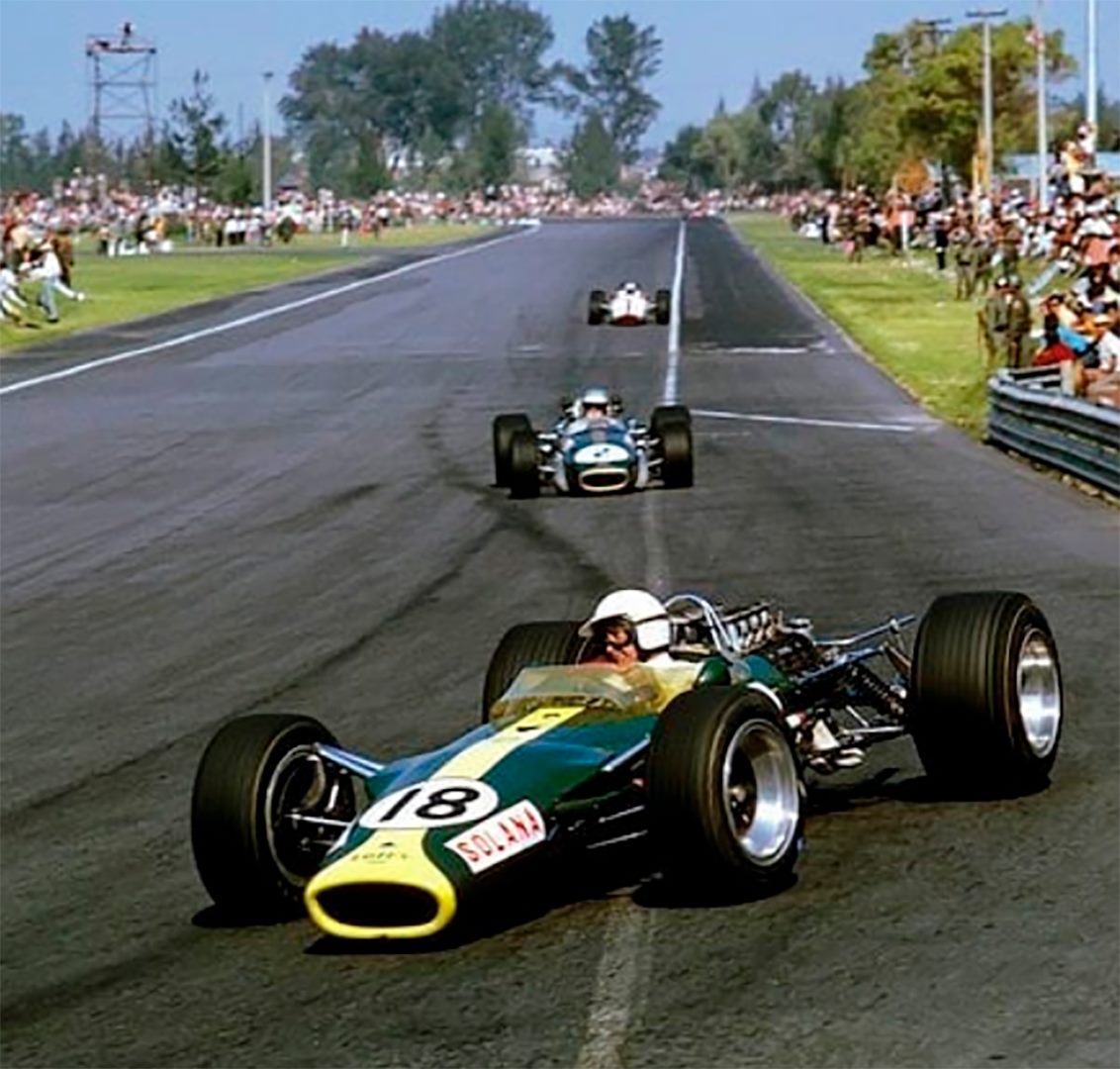
The 1967 layout of Autódromo Hermanos Rodríguez is a fast, flowing circuit located in Mexico City. It is famous for its long straights, high-speed sweepers, and the daunting Peraltada, a heavily banked corner that tests courage and precision. Because of the high altitude (≈2,250 m), engines produce strong power, but aerodynamic grip is reduced, changing how corners feel.
Event Schedule
- Practice is running 24/7
- Qualifying will start on the 8th March with the registration beeing officially closed
- A 1h test-race will be held on the 13.03.2026 at 19:00 CET
- Main race starts on the 14.03.2026 at 19:00 CET. See the time in your local timezone

Community Questions
When will numbers be given out?
- If there is no contest for a number drivers get their selected numbers
- Patreons get highest priority
- Long standing members get middle priority
- New members get their numbers on first-come-first-serve basis
Server info
- Lifetiming and timetracker
- Join Server (Requires CM)
Looking for a teammate
If you want to participate in the event but currently do not have a teammate you can ask on our Discord Forum. We provided a small template which makes it easy to find someone who can join your team